
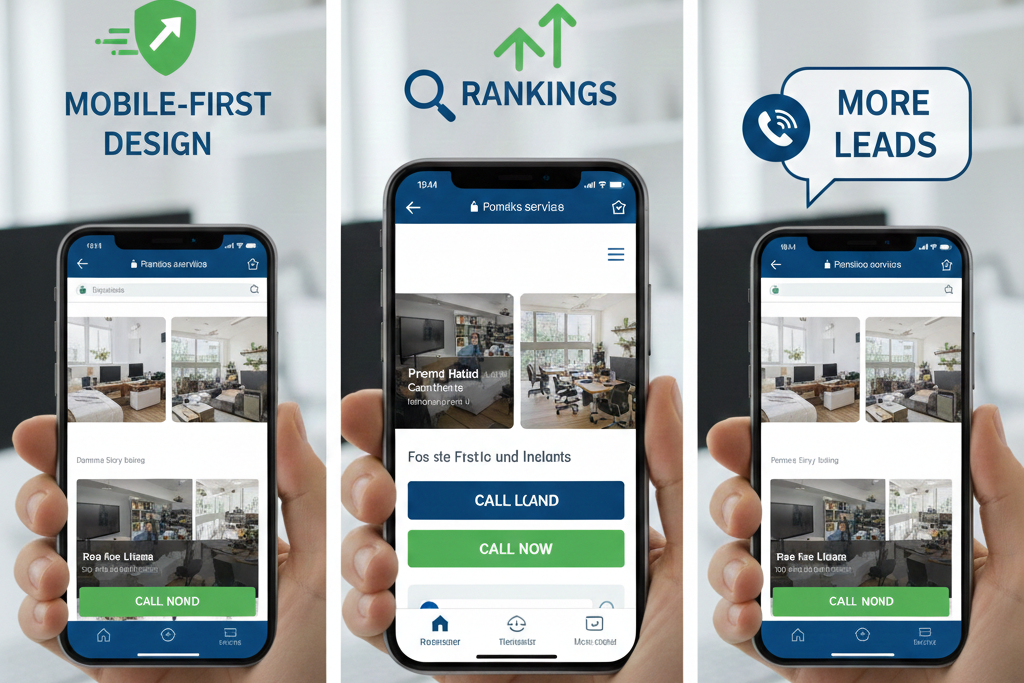
Most “I need help now” moments happen on a phone. A pipe bursts at night. The AC dies during a heatwave. The breaker trips before guests arrive. In those moments, homeowners are not researching on a laptop. They’re scrolling fast, looking for a local business that feels trustworthy, available, and easy to contact.
That’s why SEO for home service businesses is not just about ranking. It’s about showing up and making it easy to choose you. A slow site, a hidden phone number, or a confusing mobile layout quietly costs ready-to-book leads every day.
The good news is that winning online doesn’t require complex marketing. It requires mobile-first fixes that help Google trust the business and help homeowners take action fast.
Why Mobile-First SEO Matters for Home Service Businesses
Google evaluates websites primarily based on the mobile version. If the mobile experience is weak, rankings and leads suffer even if the desktop site looks fine.
Home services are especially sensitive to mobile SEO because:
- Urgent intent: Searches happen when something breaks.
- Short attention span: Homeowners scan for reviews, availability, and a phone number.
- Local relevance: Google prioritizes nearby providers.
- Trust over brand: Most homeowners don’t know local contractors by name.
SEO for home service businesses has two jobs:
- Visibility (ranking in local search and Maps)
- Conversion (turning visitors into calls and quote requests)
A lower-ranked site can outperform competitors if it’s easier to use and feels more trustworthy on mobile.
Mobile-First Fix #1: Speed Up the Website
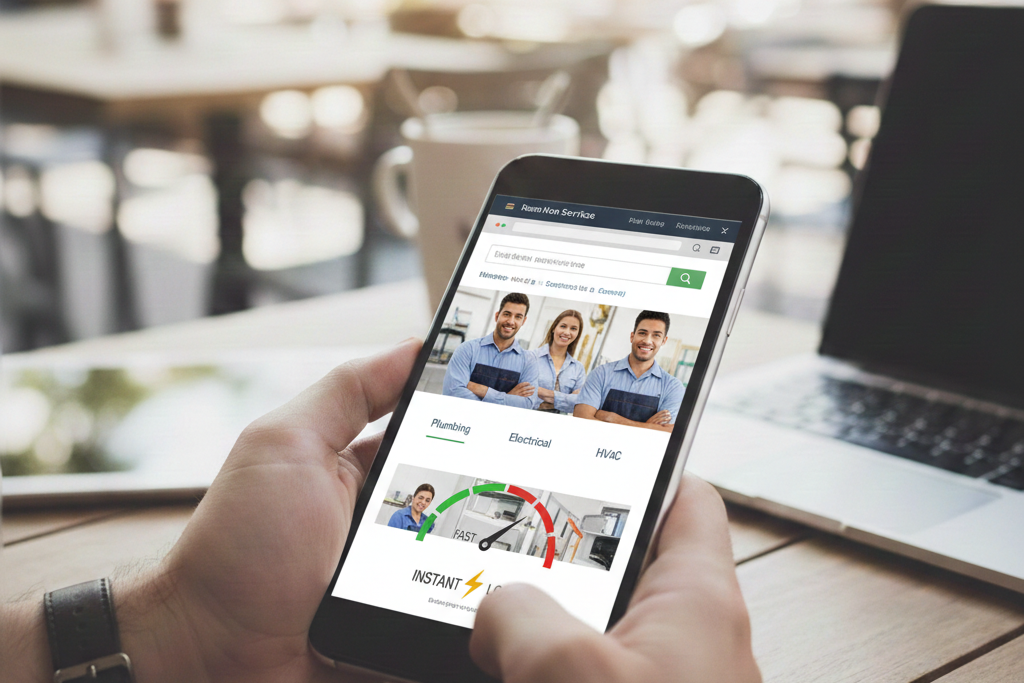
Slow sites lose calls. If a page takes too long to load, people hit back and choose the next listing.
Common problems
- Large, uncompressed images
- Too many WordPress plugins
- Cheap or overloaded hosting
- Extra scripts like popups and chat widgets
What to do
- Compress and resize images
- Remove unnecessary plugins
- Upgrade hosting if organic leads matter
- Keep only tools that help bookings
Owner test: Open your site on a phone using mobile data. If it doesn’t feel fast, it’s costing leads.
Key insight: Speed affects trust. A fast site feels professional. A slow one feels risky.
Mobile-First Fix #2: Make Calls and Quotes Impossible to Miss
The website’s main job is to start a conversation.
High-converting mobile elements
- Click-to-call number at the top of every page
- Clear “Get a Quote” or “Schedule Service” button
- Sticky call button while scrolling
- Short, simple forms
Forms should only ask for
- Name
- Phone number
- City or ZIP
- Service needed
- Timeframe
Avoid
- Phone numbers buried in footers
- Contact links hidden in menus
- Full-screen popups
- Long, slow forms
Key insight: Many sites increase leads without ranking changes simply by making contact options obvious.
Mobile-First Fix #3: Build Service Pages That Match Real Searches
Homeowners search for specific problems, not generic “services.”
What to build
- One main page per core service (plumbing repair, AC repair, drain cleaning, etc.)
- Add sub-service pages only when demand is real
What each service page needs
- Clear description in plain language
- Common problems and causes
- Step-by-step process
- What’s included
- Pricing guidance
- Time estimates
- Service area mention
- Real photos
- Related reviews
- Helpful FAQs
Mobile tips
- Short paragraphs and bullet points
- Question-based headings
- Calls to action after major sections
Key insight: Pages should sound like a technician explaining, not a salesperson pitching.
Mobile-First Fix #4: Lock Down Local SEO Basics (GBP + Consistency)
Google Business Profile (GBP) is often the highest-intent lead source.
GBP essentials
- Real business name only
- Correct primary category
- Accurate service areas and hours
- Matching phone number and website
- Regular real photos
- Completed services section
- Occasional posts and Q&A
NAP consistency
Make sure Name, Address, and Phone match across:
- Website
- GBP
- Yelp
- Apple Maps
- Local directories
Key insight: GBP often drives more ready-to-call traffic than social media or blogs.
Mobile-First Fix #5: Reviews That Drive Rankings and Calls
Reviews are a major trust factor.
Strong review profiles have
- New reviews monthly
- Natural, not perfect, ratings
- Mentions of service and location
- Owner responses
How to get better reviews
- Ask right after a successful job
- Send a short follow-up text with a link
Why responses matter
They show the business is active, responsive, and real.
Key insight: Reviews mentioning services and cities often help local relevance more than generic praise.
Mobile-First Fix #6: Add Local Proof Across the Site
One “service area” page with 20 cities isn’t enough.
Better local proof
- Natural city mentions on service pages
- “Proudly serving” sections
- Real job photos with captions
- Short job stories or mini case studies
- Testimonials tied to service and area
Avoid
- Copy-paste city pages
- Keyword stuffing
- Fake addresses
Key insight: Local proof reassures homeowners as much as it helps Google.
Mobile-First Fix #7: Use Local Schema
Schema helps Google understand the business.
Helpful schema types
- LocalBusiness
- Service
- FAQ
- Review (when valid)
Why it matters
Schema reduces confusion, strengthens local signals, and supports enhanced search results.
Key insight: It doesn’t change what’s on the site. It helps Google read it correctly.
Mobile-First Fix #8: Use Social Media as Proof, Not Noise
Social media doesn’t directly rank pages, but it affects trust.
Homeowners check:
- Are they active?
- Do they post real jobs?
- Do they look local?
Simple posting plan
- Before/after jobs
- Quick educational tips
- Team and trust posts
- Local shoutouts
- Review highlights
Link profiles back to service pages and keep contact info consistent.
Key insight: Social works best when it looks like a real work diary.
Mobile-First Fix #9: Create High-Intent Content
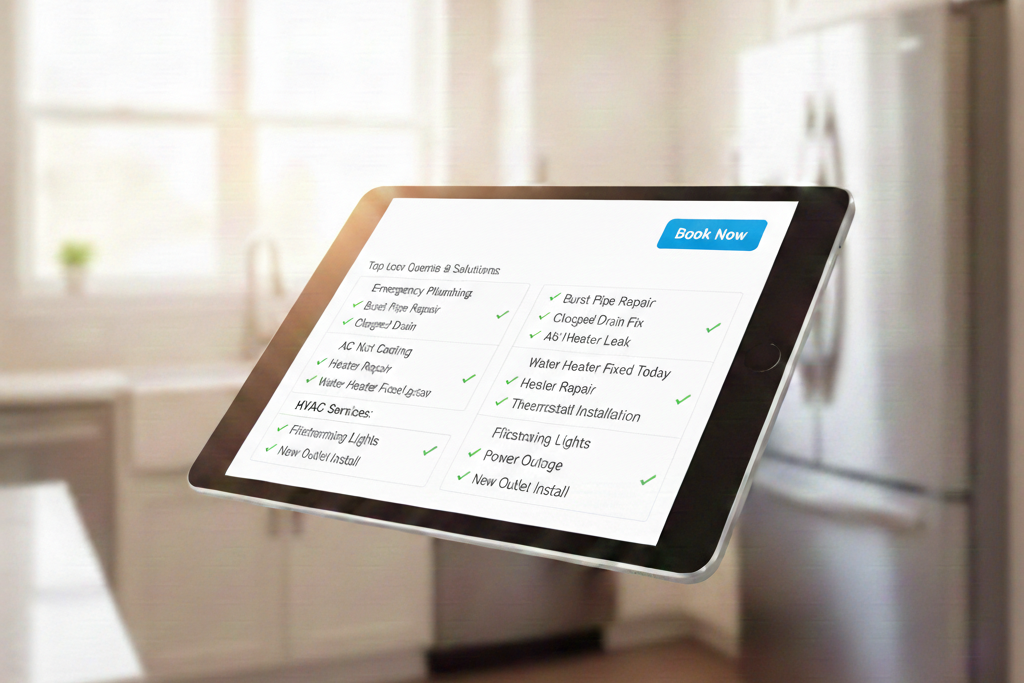
Content should support the decision to call.
What works
- Pricing and cost guides
- Emergency instructions
- Repair vs. replace help
- Seasonal checklists
Mobile-friendly format
- Short intro
- Bullet points
- Clear steps
- Calls to action near top and bottom
Key insight: The goal is calm and clarity, not viral traffic.
Mobile-First Fix #10: Track Leads Properly
Without tracking, SEO feels confusing.
Track
- GBP calls, clicks, messages
- Website calls, forms, bookings
- Service page performance
- Search queries
Learn
- Which services and cities convert best
- Which pages get traffic but no calls
- Where mobile users drop off
Key insight: Many “SEO problems” are actually conversion problems.
Quick Mobile-First Checklist
- Site feels fast on mobile data
- Phone number is visible and clickable
- Quote button is obvious
- One page per main service
- Pages are easy to scan
- GBP is complete and active
- Reviews come in monthly
- NAP is consistent
- Local proof is visible
- Call and form tracking is set up
Even small improvements can increase leads without more ad spend.
How Can Home Service Rankers Help You
Home Service Rankers helps home service businesses turn their website and Google listing into consistent lead sources. The focus stays on what matters: speed, trust, local relevance, and conversions.
How they help
- Mobile-first website fixes
- Service pages built for real searches
- Google Business Profile optimization
- Review growth systems
- High-intent content
- Clear lead tracking
With the right mobile-first local SEO system, your online presence stops being a brochure and starts working like a lead engine.
Frequently Asked Questions
How long does SEO take to start bringing leads for a home service business?
Most businesses see early movement in 6–12 weeks, but strong, consistent lead growth usually takes 3–6 months depending on competition and how much is being fixed and updated.
Should a service-area business hide its address on Google Business Profile?
Yes, if the business visits customers and does not serve them at a storefront, Google recommends hiding the address so only the service area shows.
Will using a call tracking number hurt local SEO or NAP consistency?
It can if the tracking number replaces the main number everywhere, but it’s usually safe when the primary number stays consistent and tracking is implemented correctly (often on the website or via approved setups).
What’s the biggest mistake home service businesses make with local SEO when they have multiple cities to serve?
They create thin, copy-paste “city pages” that don’t add real value; Google tends to reward pages with unique local details, specific services, and proof of work in those areas.